Best Soft & Subtle Filters in Retrica: Presets That Don't Look Edited
Want your photos to look better without looking filtered? Here's a guide to Retrica's softest, most subtle presets, with low contrast and gentle glow that keep everything looking natural.
Does Retrica have subtle filters that don't look edited?
Yes. Alongside its bolder presets, Retrica has a range of soft, low-contrast filters designed to enhance a photo without announcing themselves. These presets use gentle glow and neutral tones instead of heavy color, so photos look brighter and cleaner while still feeling real.

What are the best subtle filters in Retrica?
These four cover most everyday needs, and all are free:
NATURAL: The closest thing to a no-filter look. Low contrast, neutral tones, and a soft glow let natural light do the work, making it ideal when you want a photo to look bright and airy but untouched.
BOUNCY: Soft and light with a warm, cozy feel. It lifts brightness gently rather than pushing color, and it's one of Retrica's most-used presets.
HYGGE: A calm, low-contrast preset with soft light and cool undertones. Good when you want understated film tones rather than bold color.
OLIVE: Warm and nostalgic with soft glow, leaning slightly vintage while staying gentle.

Which Retrica filter looks the most natural?
NATURAL is the safest pick. Its neutral tones and low contrast avoid shifting skin color or oversaturating a scene, which makes it reliable for portraits, daylight shots, and anything you want to look effortless.
Which subtle filter is best for portraits?
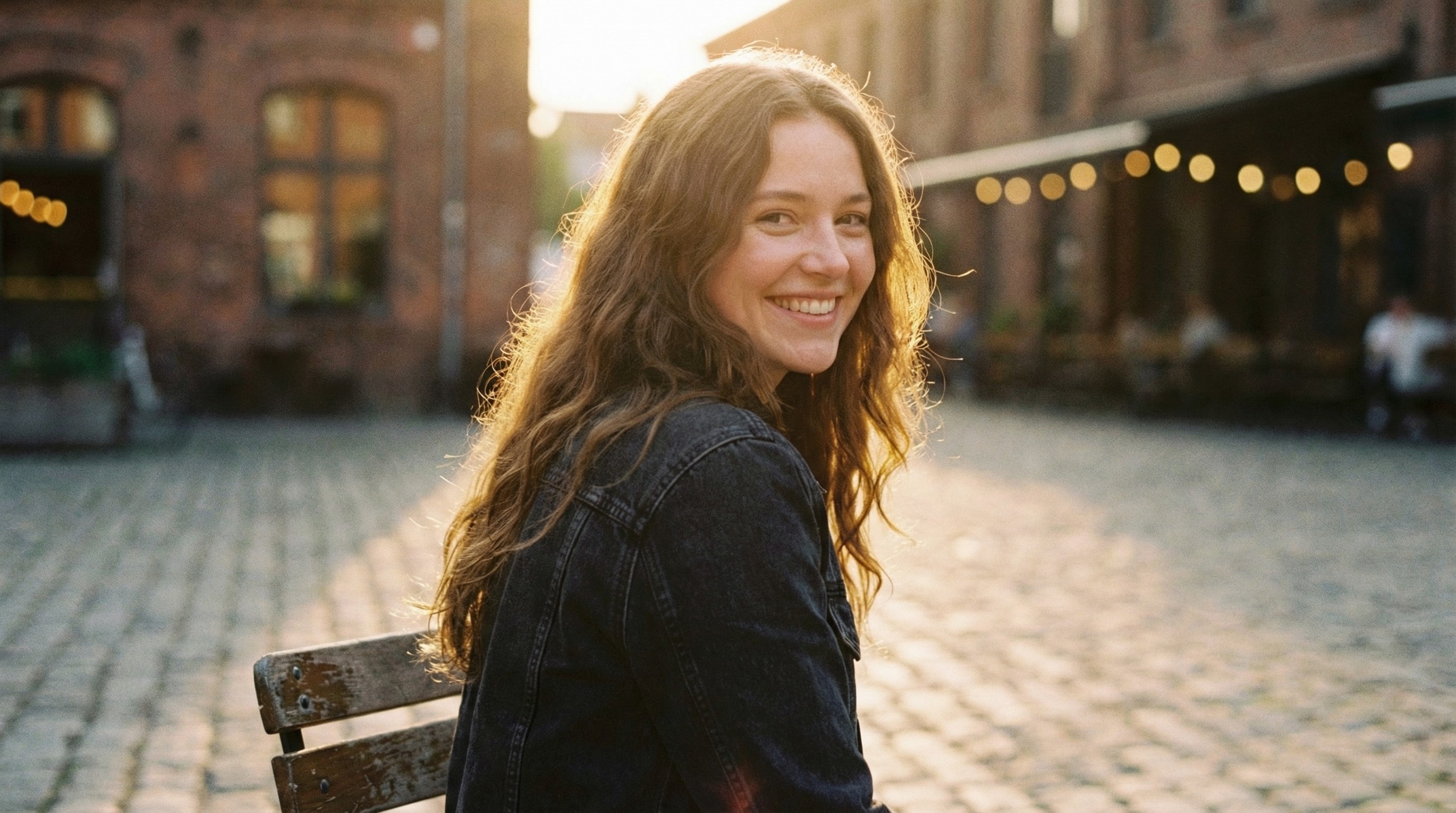
NATURAL is the better choice for people, since neutral tones keep skin looking true to life. BOUNCY works well too when you want a slightly warmer, brighter result without heavy editing.
What's the difference between soft and muted filters?
Soft presets like NATURAL and BOUNCY lower contrast and add gentle glow while keeping colors bright. Muted presets like HYGGE and OLIVE also pull saturation down, giving photos a calmer, more faded feel. Choose soft for clean and airy, muted for quiet and nostalgic.
Are Retrica's subtle filters free?
Yes. NATURAL, BOUNCY, HYGGE, and OLIVE are all free to use, so you can start with clean, understated edits right away.

How do I edit photos subtly in Retrica?
Open Retrica, browse the filter menu, and tap a soft preset to apply it, either live in the camera or on a photo you've already taken. Start with NATURAL for the most understated result. Retrica is free on iOS and Android.