
Best Black and White Filters for iPhone: A Guide to Retrica's SILVER Presets
A practical guide to shooting black and white on your phone — what makes a monochrome photo work, and which Retrica SILVER preset to reach for with portraits, street scenes, and everyday moments.
For most everyday photos, start with TALINI for a rich, true black and white film look, CHIUP for something gentler with retro character, and INFRARED when you want a brighter, more open rendering. All three are free presets in Retrica's SILVER pack, and they apply live, before you take the shot.
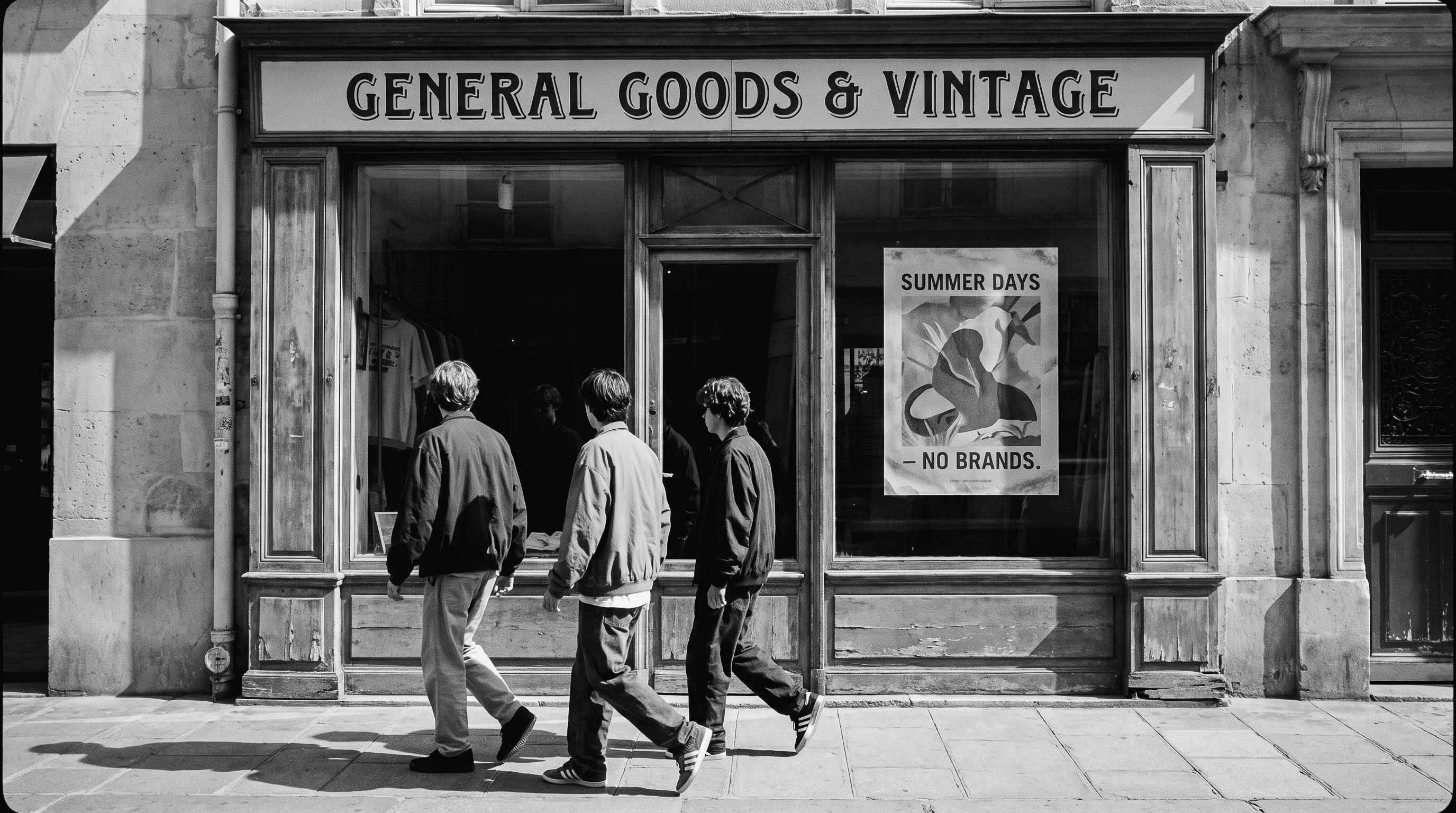
Black and white photography is not about removing color. It is about what is left once color stops competing for attention — light, shape, texture, and the space between them. That is why a monochrome photo can feel more considered than the same scene in color, and also why a bad one falls apart so quickly.
What makes a good black and white photo?
Three things carry a monochrome image.
Contrast. Without color to separate objects, tonal difference does the work. A subject in a light shirt against a dark doorway reads clearly. The same subject against a mid-grey wall disappears.
Texture. Rough brick, wet pavement, knitwear, hair, peeling paint — surfaces that catch light become the subject in black and white in a way they rarely do in color.
Light direction. Side light and backlight create the shadow shapes monochrome depends on. Flat overhead light tends to produce grey, shapeless images.
If a scene has none of these, converting it to black and white usually makes it worse.
Which Retrica presets are black and white?
Retrica's monochrome presets are grouped in the SILVER pack. It breaks down roughly three ways: deeper looks (KRIPYA, TALINI, SOLTA, CHIUP), lighter ones (HOOTLIN, INFRARED, FADED), and two built around contrast rather than brightness (ORTHO, NYIK).
KRIPYA: deep shadows, the heaviest look in the pack
TALINI: rich, true black and white film. The reference point for the pack
SOLTA: close to TALINI, slightly softer (premium)
CHIUP: retro film character, gentler than TALINI
ORTHO: strong contrast. Highlights stay bright while surrounding tones fall away
NYIK: bright and high-contrast at once. The most graphic look in the pack
HOOTLIN: lighter, more open monochrome
INFRARED: brighter, airier rendering
FADED: soft and low-contrast, the lightest look (premium)
There is also a BLACK&WHITE preset in the 2014 pack, a straightforward conversion that works as a neutral starting point.
Because Retrica applies presets live through the camera, you see the monochrome rendering before you press the shutter. That matters more than it sounds. Composing in black and white is a different task from composing in color and converting later — you start looking for contrast and shape instead of color relationships.
Which black and white preset should I use?
For a classic film look: TALINI. The deepest, most film-like conversion in the pack, and the one to start from if you are unsure.
For portraits: CHIUP. Its retro film character is gentle enough not to harden skin. KRIPYA gives the same feel with deeper shadows. If you have premium access, SOLTA sits close to TALINI but softer, and FADED is softer still.
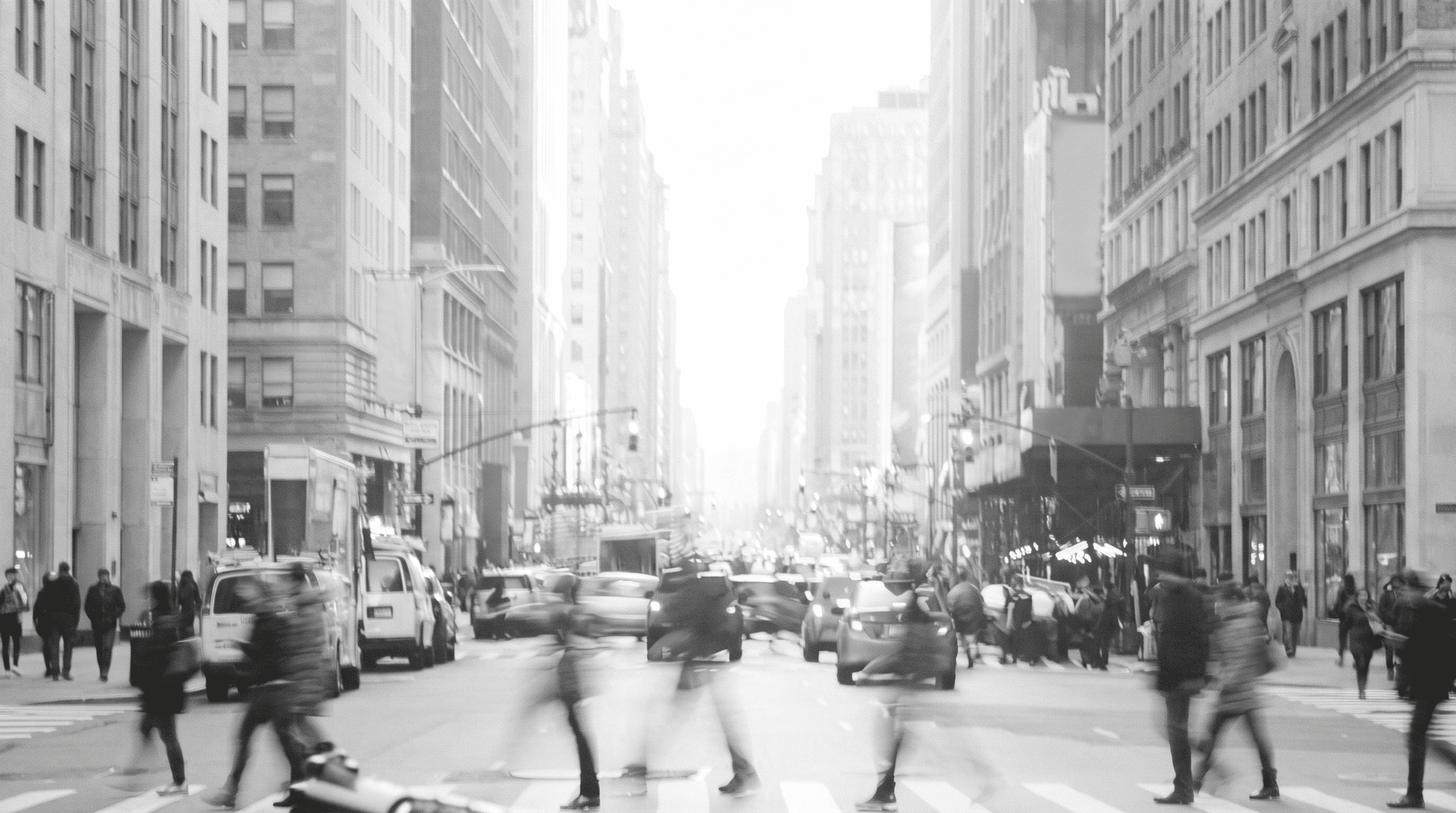
For strong light and shadow: ORTHO. Bright areas hold while the surrounding tones drop off, which suits window light, backlit subjects, and anything with a clear light source in the frame. Orthochromatic film worked much the same way — insensitive to red light, so it separated tones more aggressively than panchromatic stock.
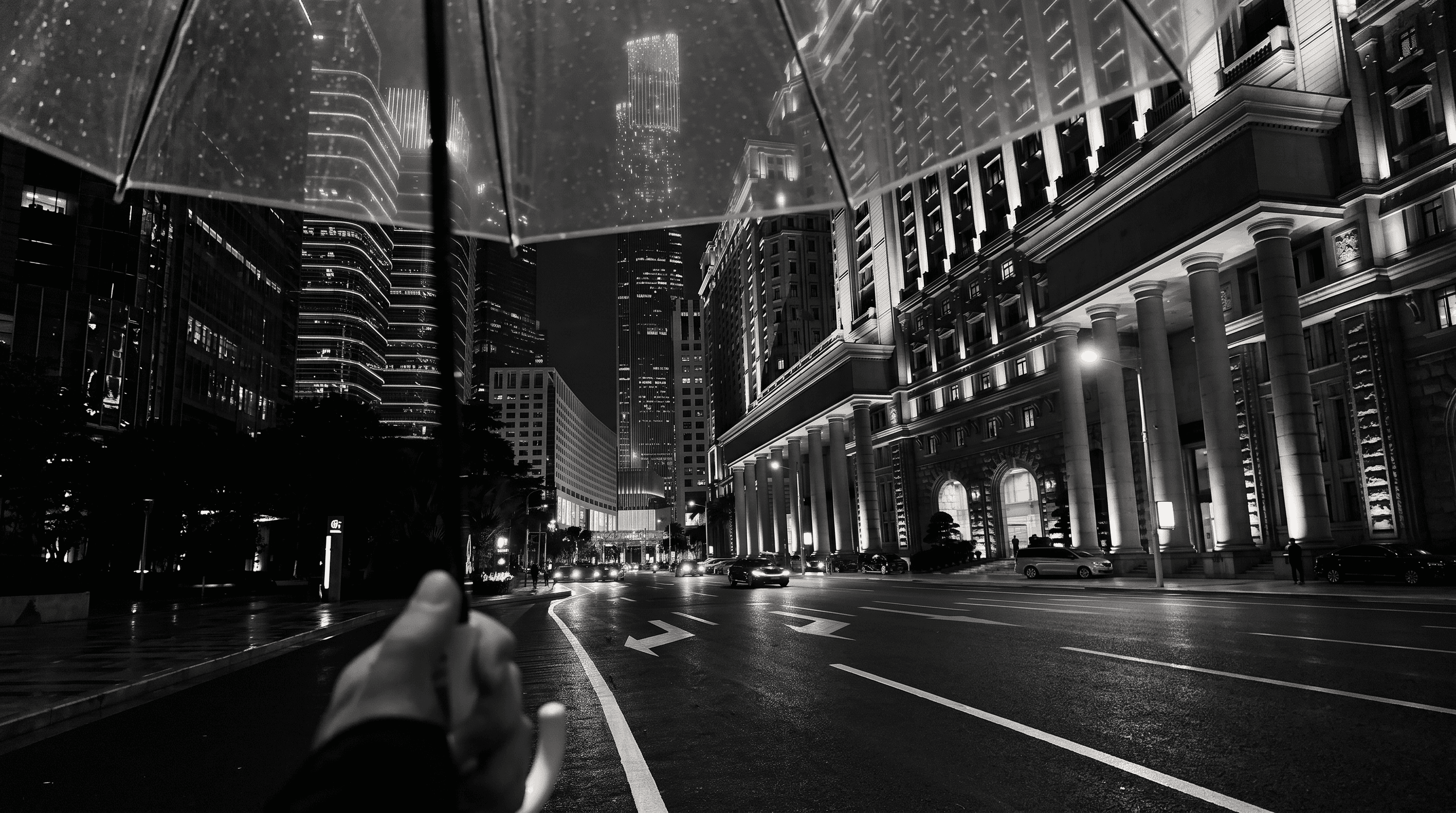
For bold, graphic images: NYIK. It combines ORTHO's contrast with HOOTLIN's brightness, so shapes read hard and clean. Best on strong compositions — architecture, shadows on a wall, a single subject against an open background. On a busy scene it can become noisy.
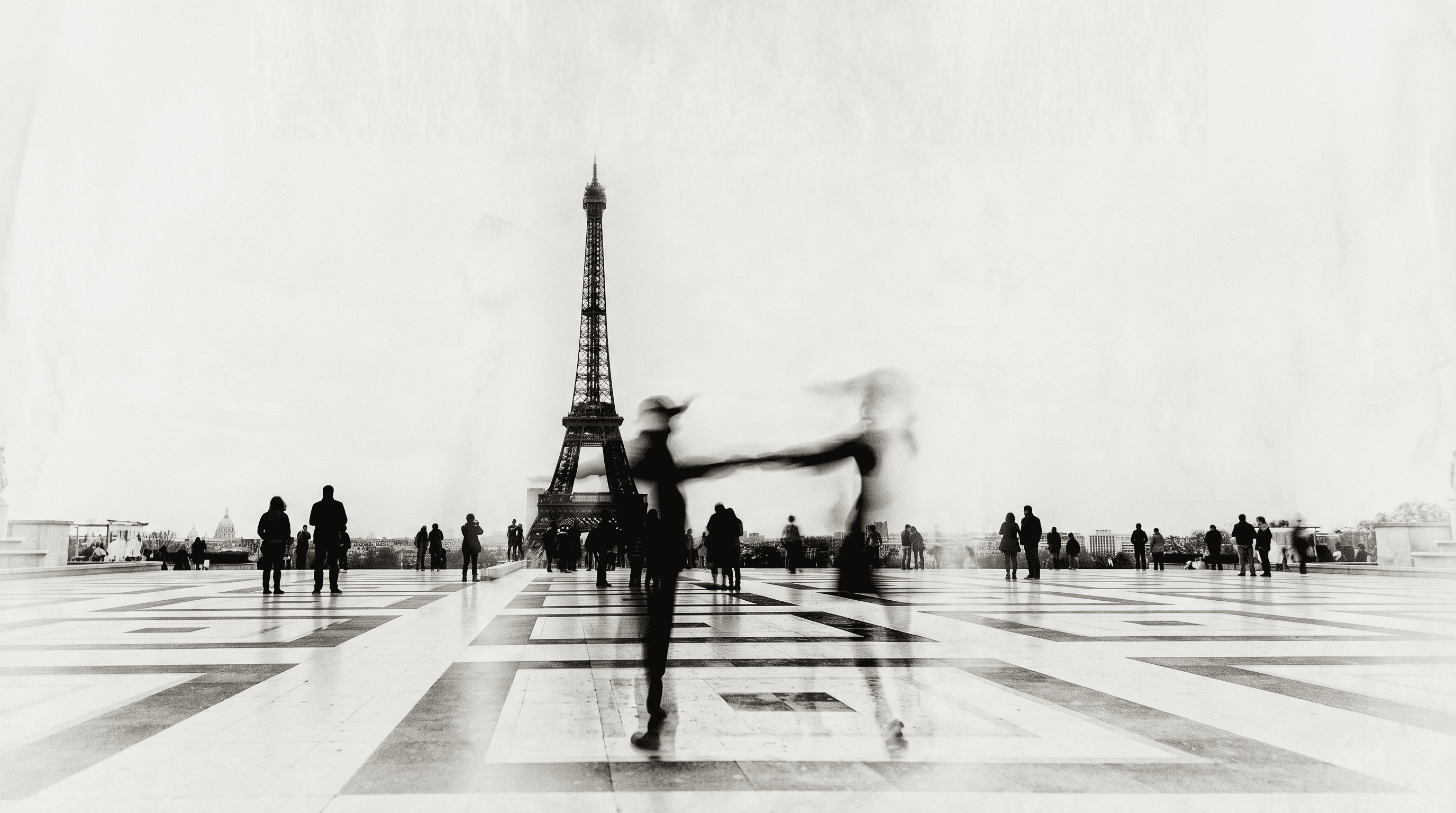
For street and architecture: HOOTLIN. Lighter overall, which keeps building detail and background readable instead of crushing it into black.
For bright, open scenes: INFRARED. Airier than the rest of the pack, which suits high-key subjects and pale skies.
How do I shoot black and white photos on an iPhone?
Pick the preset before you shoot, not after. Composing while seeing the monochrome result changes what you point the camera at.
Look for light first, subject second. A dull subject in interesting light usually beats an interesting subject in flat light.
Get closer than feels natural. Without color, small subjects in a wide frame lose their separation from the background.
Adjust preset intensity. Tap the preset again to change how strongly it is applied. Full strength is rarely the best choice.
Shoot the same scene at two intensities. The difference is often larger than expected, and you cannot always judge it on a phone screen in bright sun.
Is black and white just a filter, or something else?
A monochrome preset is not a single desaturation step. Different films and different digital conversions map colors to grey values differently — a red shirt can come out nearly black or nearly white depending on the response curve. That is the actual difference between the presets in the SILVER pack, and it is why the same scene can look flat under one and dramatic under another.
This is also why shooting in color and desaturating later gives you less control than picking a preset built for a specific tonal response.
Frequently asked questions
Does Retrica have free black and white filters?
Yes. Most presets in the SILVER pack are free, including TALINI, CHIUP, KRIPYA, ORTHO, NYIK, HOOTLIN, and INFRARED. SOLTA and FADED are premium presets.
What is the best black and white filter for portraits?
CHIUP is the most approachable free option, with enough retro film character to feel intentional without hardening skin. SOLTA and FADED are softer premium alternatives.
Can I adjust how strong a black and white preset is?
Yes. Tap the preset a second time to change its intensity.
Should I shoot in black and white or convert afterwards?
Both work, but shooting with the preset applied changes how you compose. Most photographers find they frame differently when they can see the monochrome result in the viewfinder.
What is the difference between black and white and monochrome?
In everyday use they mean the same thing. Strictly, monochrome refers to any single-hue image, including sepia or cyanotype, while black and white refers to neutral grey tones specifically.


