
Best Vintage & Film Filters in Retrica: The Complete Guide
Want that faded, film-camera look? Here's a guide to Retrica's best vintage and film presets, from soft warm tones to moody analog looks, with picks for every style
Does Retrica have vintage and film filters?
Yes. Vintage is one of Retrica's core preset categories, recreating the faded color and soft grain of retro analog cameras. Retrica began as a film-style filter app, and its vintage presets remain some of the most loved.
What are the best vintage filters in Retrica?
It depends on the mood you're after. A few favorites cover most looks:
WALDEN: A warm, muted preset that softens color into an almost painterly, faded film look. Great for everyday scenes with a nostalgic feel. Free to use.
AVOCADO: Warm tones with lowered saturation, giving photos a gentle, painting-like quality. Works beautifully for outdoor and nature shots. Free to use.
HYGGE: A softer, cooler take on vintage, with low contrast and a calm, romantic mood. Ideal when you want understated film tones rather than bold color. Free to use.

How do I get an old photo filter look?
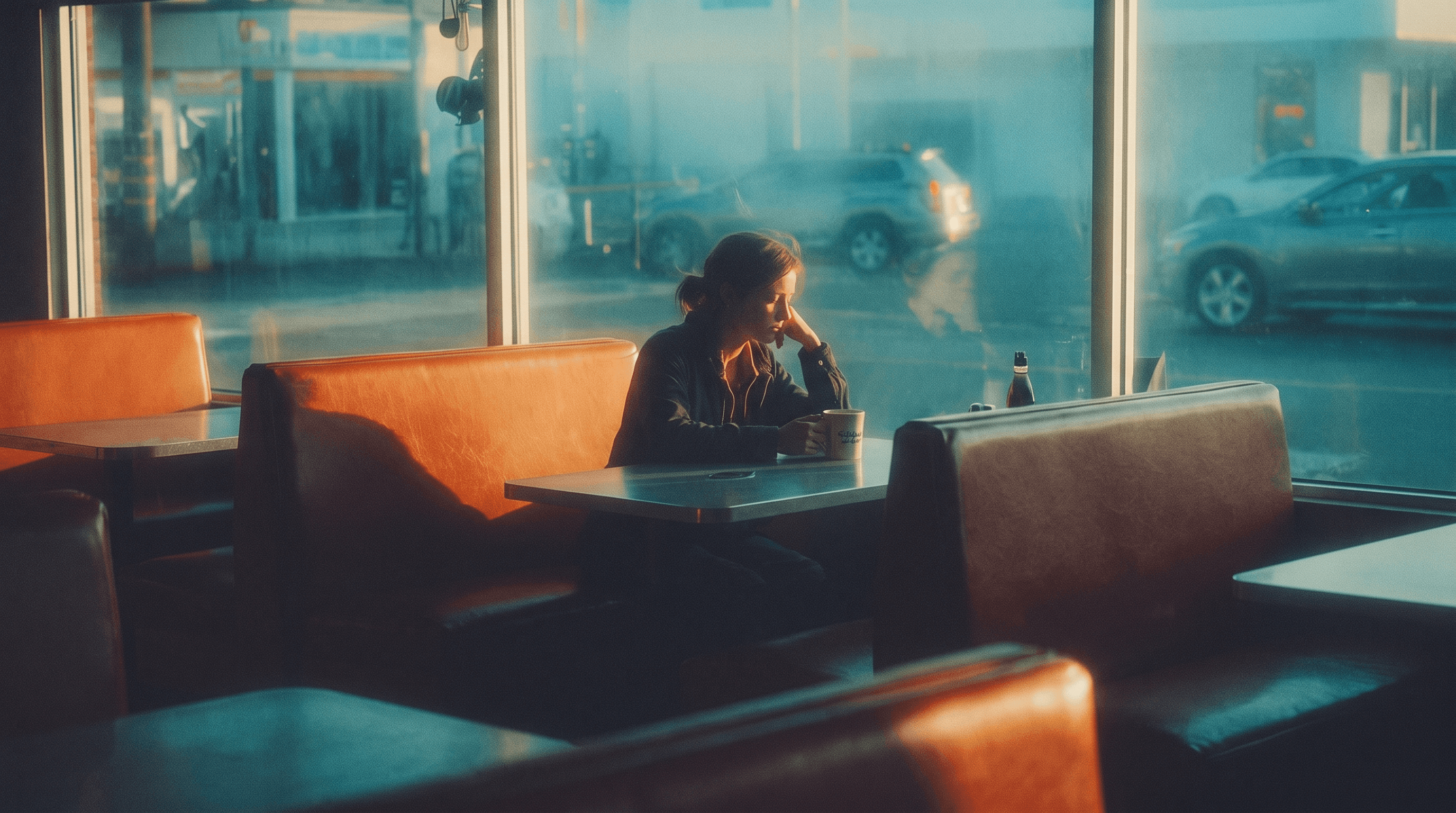
For a faded, old-photo feel, reach for muted, low-contrast presets like WALDEN or HYGGE. These soften color and contrast the way aged film does, turning everyday shots into something that feels pulled from an old album.
Which Retrica filters look like a vintage camera?
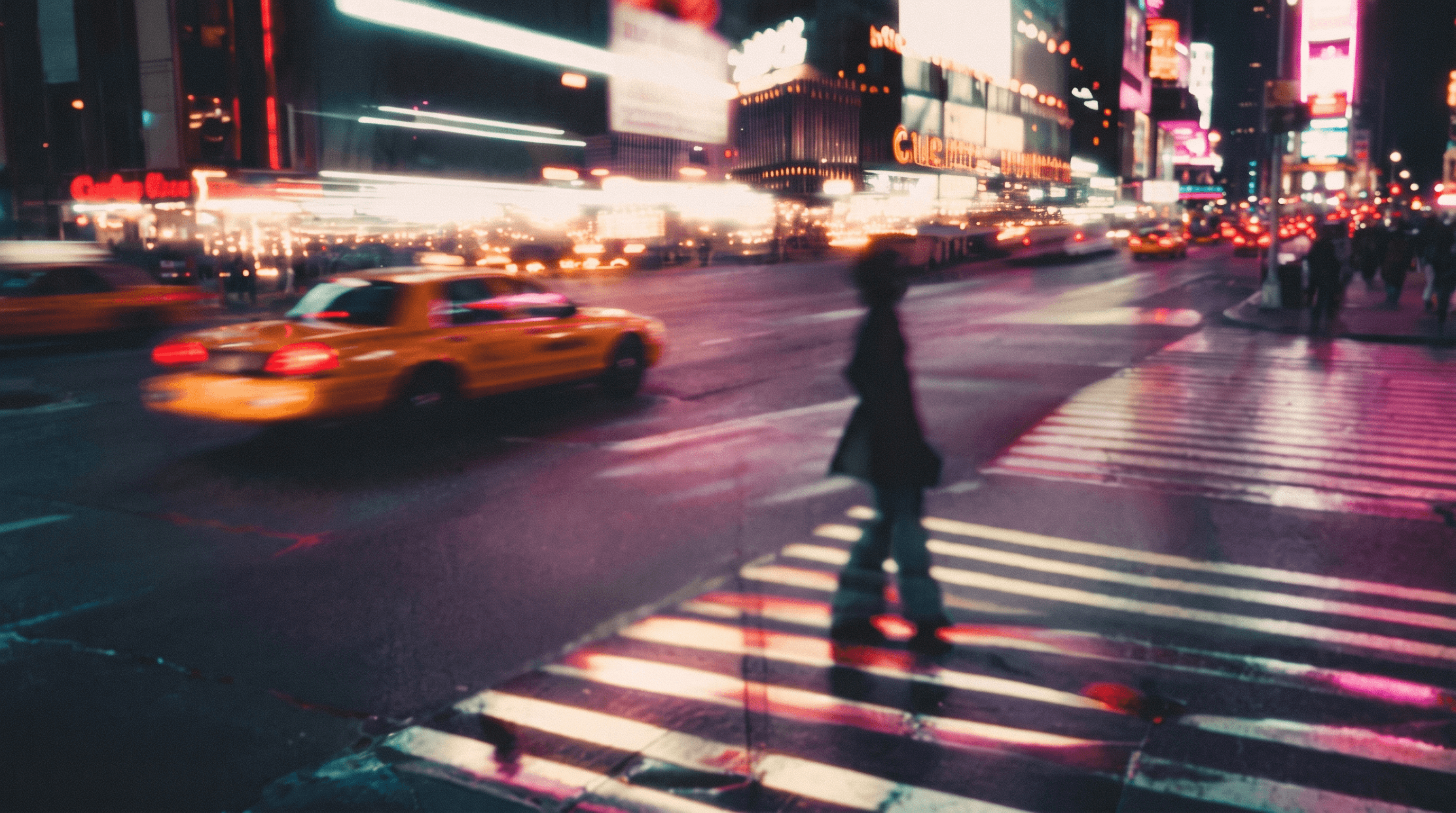
EASTERN delivers a bold, cinematic film look with warm tones and strong contrast, recreating the feel of shooting on an old vintage camera. It's a premium preset for those who want a signature analog finish.
What is the CMBYN series?
CMBYN is one of Retrica's most popular vintage series. It creates a warm, dreamy, polaroid-inspired look with soft glow and cozy analog tones, perfect for romantic, nostalgic moments. Try CMBYN1 to start.
Which vintage filters are free?
Many vintage presets are free, including WALDEN, AVOCADO, and HYGGE, so you can start creating film-style photos right away. Premium presets like EASTERN and the CMBYN series offer more refined, cinematic tones with Retrica Pro.
How do I get a vintage film look in Retrica?
Open Retrica, go to the Vintage category in the filter menu, and tap a preset to apply it, either live in the camera or on an existing photo. Retrica is free on iOS and Android.


