
Retrica Supports ‘Dark Mode’ for iOS 13
Retrica Supports ‘Dark Mode’ for iOS 13
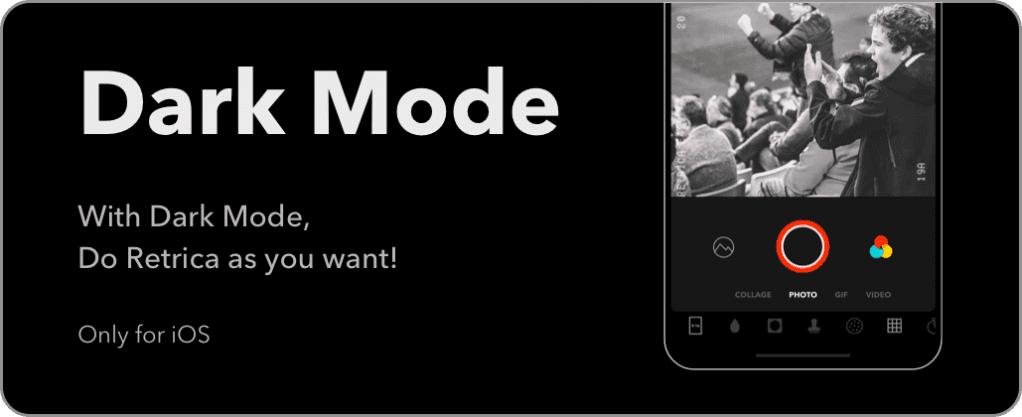
Hi Retricans!
If your iPhone is updated to iOS 13 already, it’s time to update Retrica to version 7.1 at the App Store!
I’d like to suggest to turn your iPhone into Dark Mode to enjoy a new look of Retrica!
#Tips for activating ‘Dark Mode’ on your iPhone
At Settings
Go to Settings > Display & Brightness
Choose Dark from Appearance.
At Control Center
Tap and hold Brightness until it pops up to fill the screen.
Tap Appearance to switch between Light to Dark modes.


