
Sharpen
Sharpen defines the clarity of edges and fine details in your photo. Increasing it makes outlines crisper and more defined, while too much can introduce artificial-looking noise or halos around edges.
The Edge of Everything
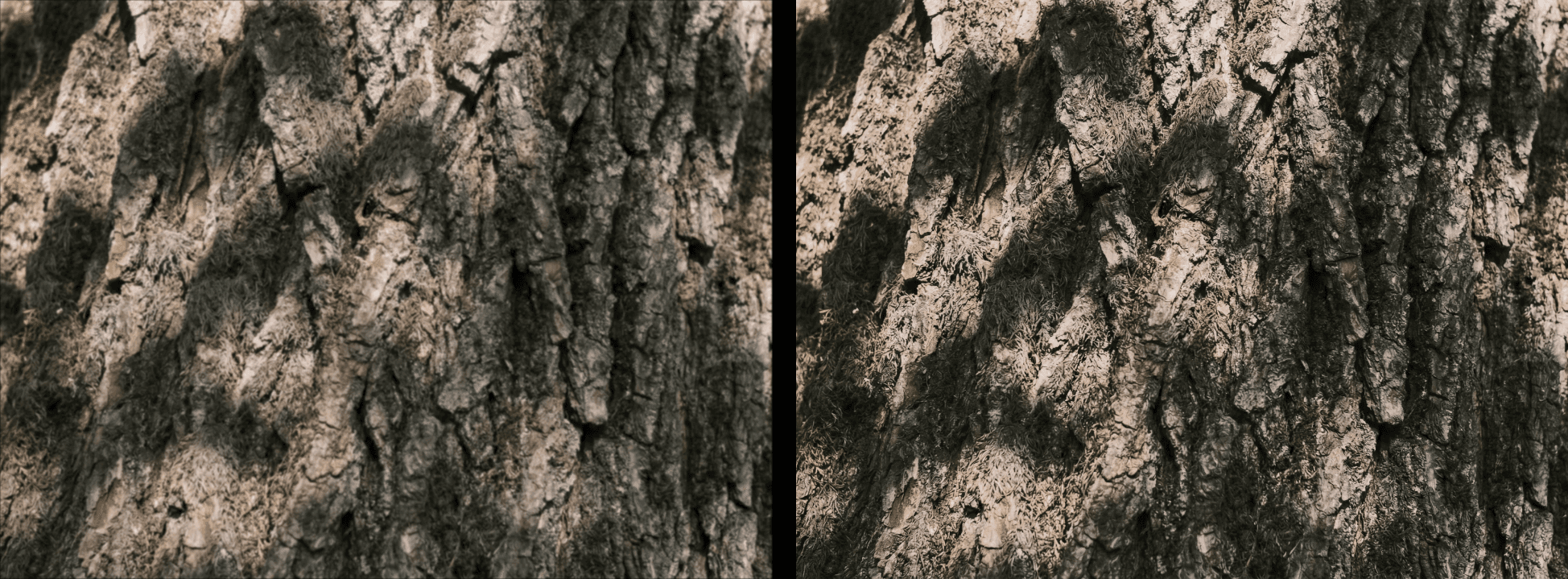
Sharpen is about definition — the crispness of an edge, the clarity of a texture, the distinction between a subject and its background. It's what makes a photo feel present and precise, as though you could reach in and touch the surface of whatever is in frame. In technical terms, sharpening works by increasing the contrast along edges within an image, making transitions between tones appear more defined and distinct. But beyond the mechanics, what sharpening really does is direct attention — it signals to the viewer that what they're looking at was worth capturing in precise detail, that every element in the frame was seen and rendered with intention rather than captured by accident.
When to Push It

Sharpening rewards photos with inherent texture and detail — rough stone walls, close-up foliage, fabric weaves, animal fur, architectural surfaces, or food photography where every grain, crumb, and droplet matters. In these contexts, increasing sharpness elevates the image significantly, making it feel rich, tactile, and almost three-dimensional, as if the texture itself is pressing toward the viewer through the screen. Product photography in particular benefits enormously from careful sharpening, where crisp edges and well-defined surfaces communicate quality and craftsmanship in a way that softer rendering simply cannot. It's less effective — and often actively counterproductive — on smooth, soft subjects like skin, out-of-focus backgrounds, or any area of the image where softness is either natural or intentional. In these cases, sharpening doesn't add definition so much as it adds noise, and the result tends to look clinical rather than refined.
The Fine Line Between Sharp and Harsh
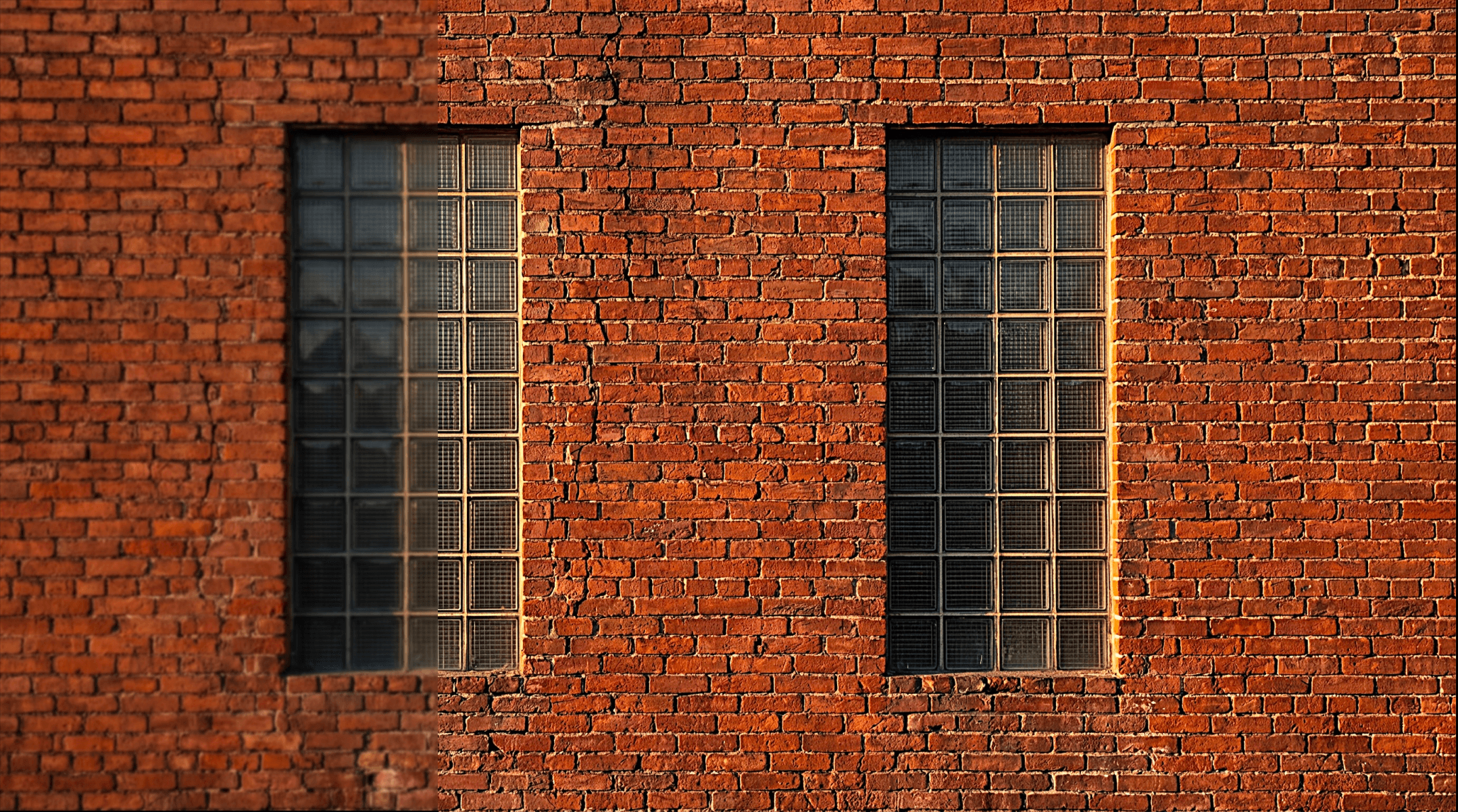
Over-sharpening is one of the most common editing mistakes in photo editing — and one of the hardest to unsee once you notice it. Too much sharpening introduces artificial halos along high-contrast edges, amplifies noise and grain in shadow areas, and gives the entire photo an unnatural, over-processed look that immediately signals heavy-handed editing to anyone who knows what to look for. The challenge is that sharpening tends to look more dramatic on a phone or computer screen than it does in the final output, which leads many editors to push it further than the image actually needs. A more reliable approach is to apply sharpening incrementally, zoom in to 100 percent to evaluate the edges and texture areas directly, and consciously stop before the image starts to look like it has been sharpened rather than simply photographed well. The goal of good sharpening is invisibility — the viewer should feel the precision without being able to identify the tool that created it.


